







Autonomous AI Experts

9 AI Experts. 5 Autonomy Levels. Hardwired Human Approval Gates.

Deploy domain-trained AI agents that autonomously handle procurement, scheduling, and compliance workflows - while hard financial limits and mandatory approval gates keep every critical decision in human hands.

PearsonmuRataPipelineTIRDirectMedSupplieseDevizeEnviromericaMarktool

Copilots Answer Questions. Agents Execute 5-Step Workflows.

A standard AI copilot reads a prompt and generates text. A Naologic agent reads your live inventory data, drafts the vendor PO against the correct budget code, routes it to your Purchasing Manager, and waits for a single approval click - no developer, no Zapier workflow, no manual entry.

100%
Passive Copilot (Chatbots / RPA)
Input: Text Prompt Only
Action: Generates Text Response
Data Access: None
ERP Integration: None
When Exception Occurs: Breaks
Result: Human still does the work
Naologic Agent (Bounded Autonomy)
Input: Natural Language + Live ERP Data
Action: Executes Multi-Step Workflow
Data Access: Cross-Module
ERP Integration: Native API + MCP
When Exception Occurs: Reasons and Adapts
Result: Drafts
routes
and holds for approval

AI Experts

9 Domain Experts Trained on Your Proprietary ERP Data

Ask hard questions. Get precise answers.

9

Distinct expert types available - Documentation, Sales, Manufacturing, plus cross-expert Swarm Orchestration for multi-domain queries

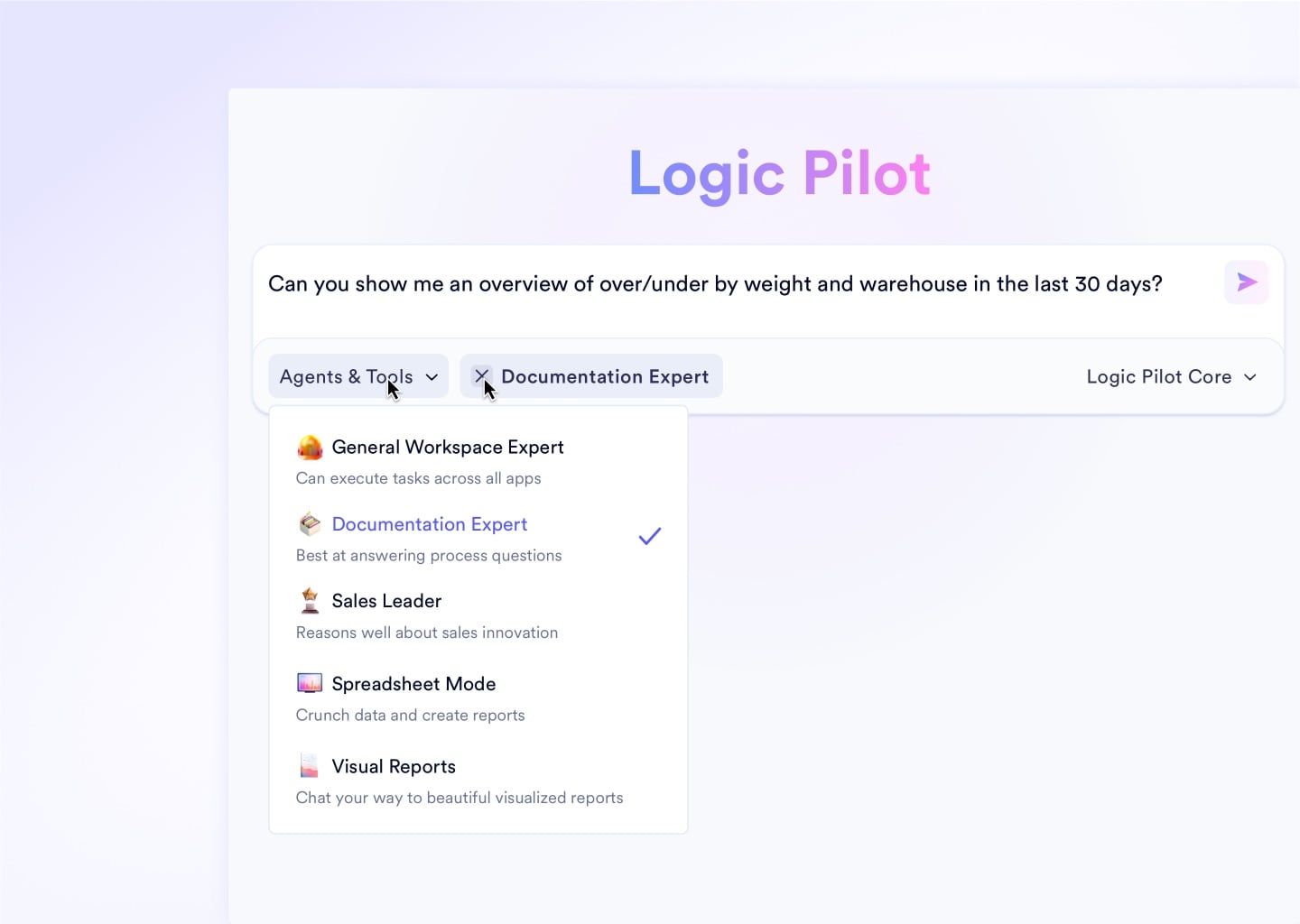
Documentation Expert: Instant SOP Answers for Every Shift

Every internal SOP, training manual, and process guideline memorized. New hires ask process questions in plain English and get accurate, sourced answers instantly - freeing supervisors from repetitive onboarding calls.

Sales Expert: Live Pipeline Analysis Without Touching a Spreadsheet

Manufacturing Expert: Pinpoint Margin Losses Across Every Work Center

Swarm Orchestration: One Strategic Question Answered by Every Expert at Once

Upload an image or video

Autonomy Levels

5 Defined Execution Tiers - IT Sets the Ceiling Per Role

Every operation in your plant carries different risk. A read-only query and a $200,000 supplier PO should never share the same permission tier. IT administrators assign each user role a hard autonomy ceiling - agents cannot exceed it.

1

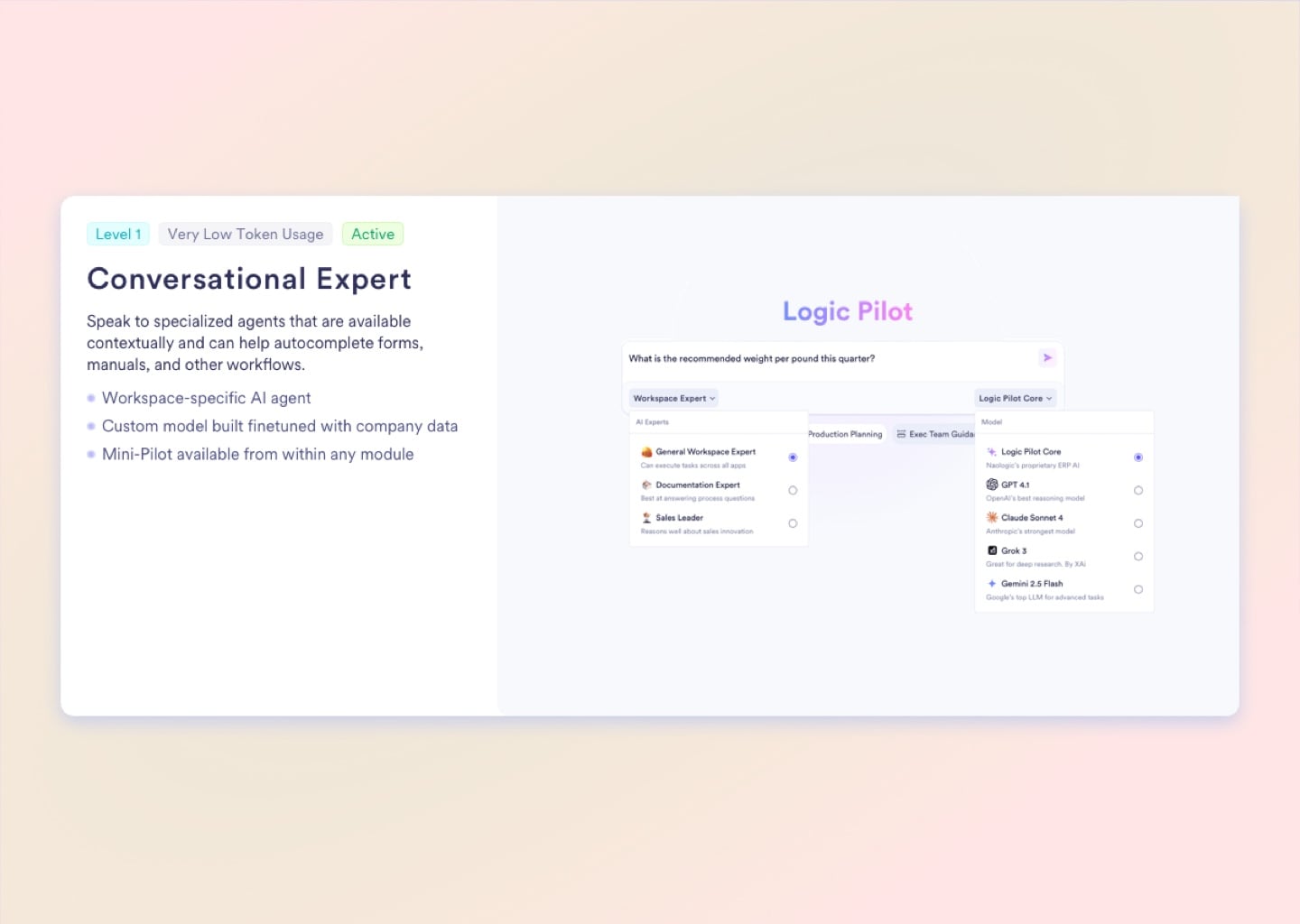
Level 1 - Conversational Expert

Strictly read-only and assistive. Specialized agents answer workspace-specific questions instantly, auto-complete dense forms, and guide employees through complex workflows. No records are written without direct user action.

2

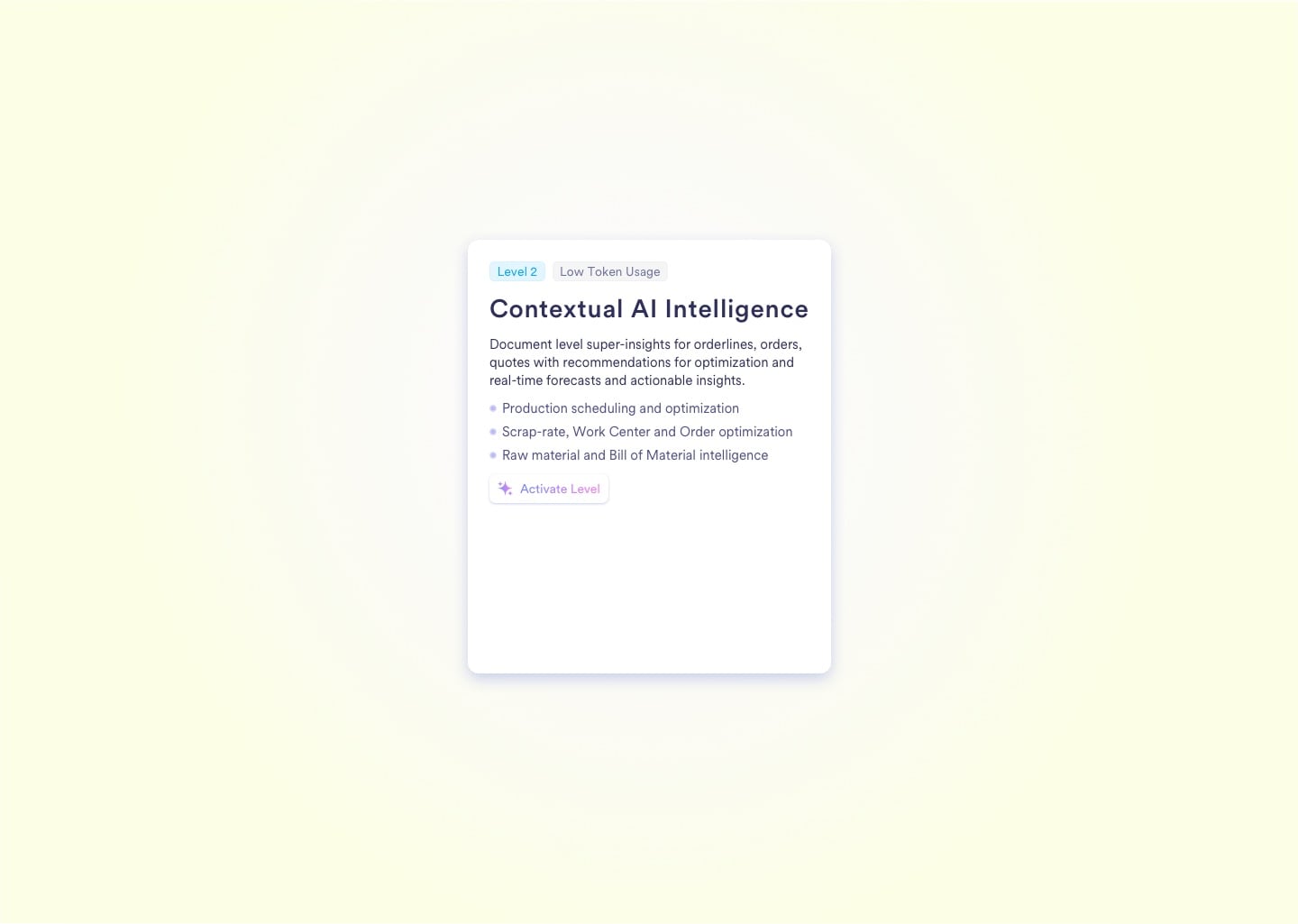
Level 2 - Proactive Analysis

The AI continuously runs background analysis on active Work Orders, BOMs, and Quotes. It surfaces real-time optimization warnings - flagging scrap risks, over-booked Work Centers, and BOM inefficiencies - before you hit the factory floor.

3

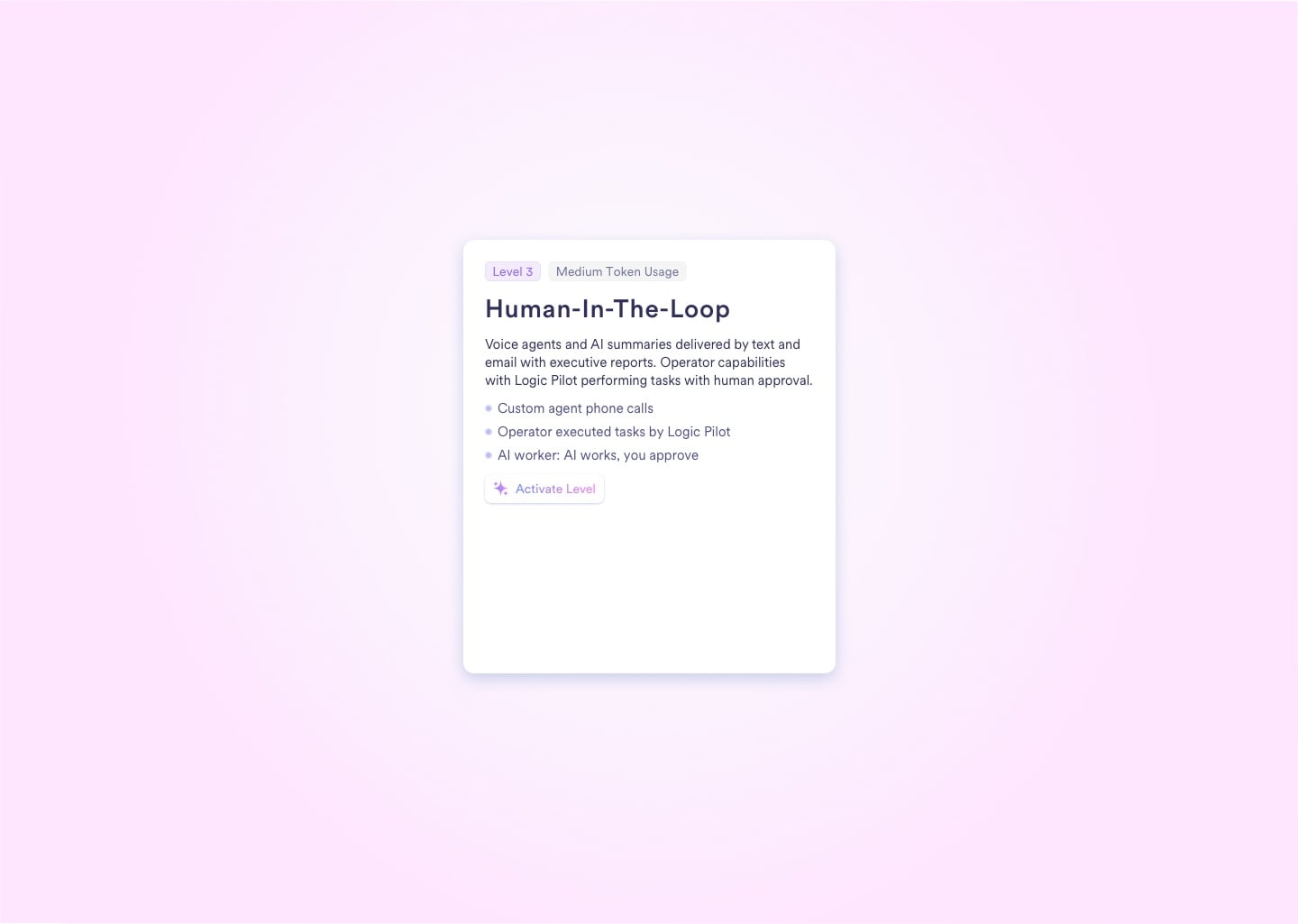
Level 3 - Human-in-the-Loop Execution

The AI executes complex tasks - drafting supplier POs, re-routing WIP, assigning NCRs - but every action is placed in a Pending state. Nothing commits to the database until your explicit Approve click.

4

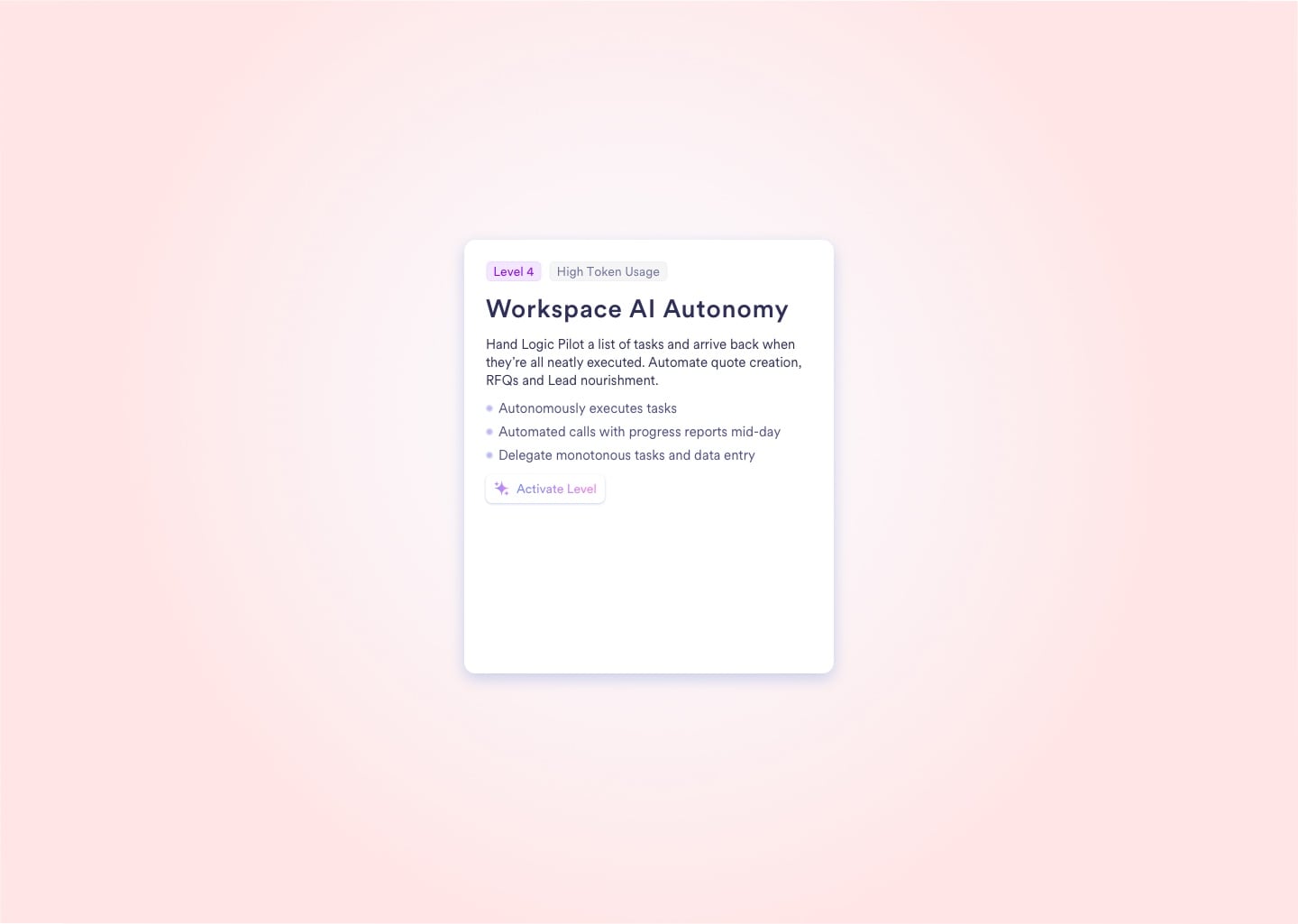
Level 4 - Workspace AI Autonomy

Delegate a list of repeatable tasks and walk away. The agent autonomously generates RFQs, issues quotes, and nourishes CRM leads in the background - delivering a full progress report by text or email when the work is done.

5

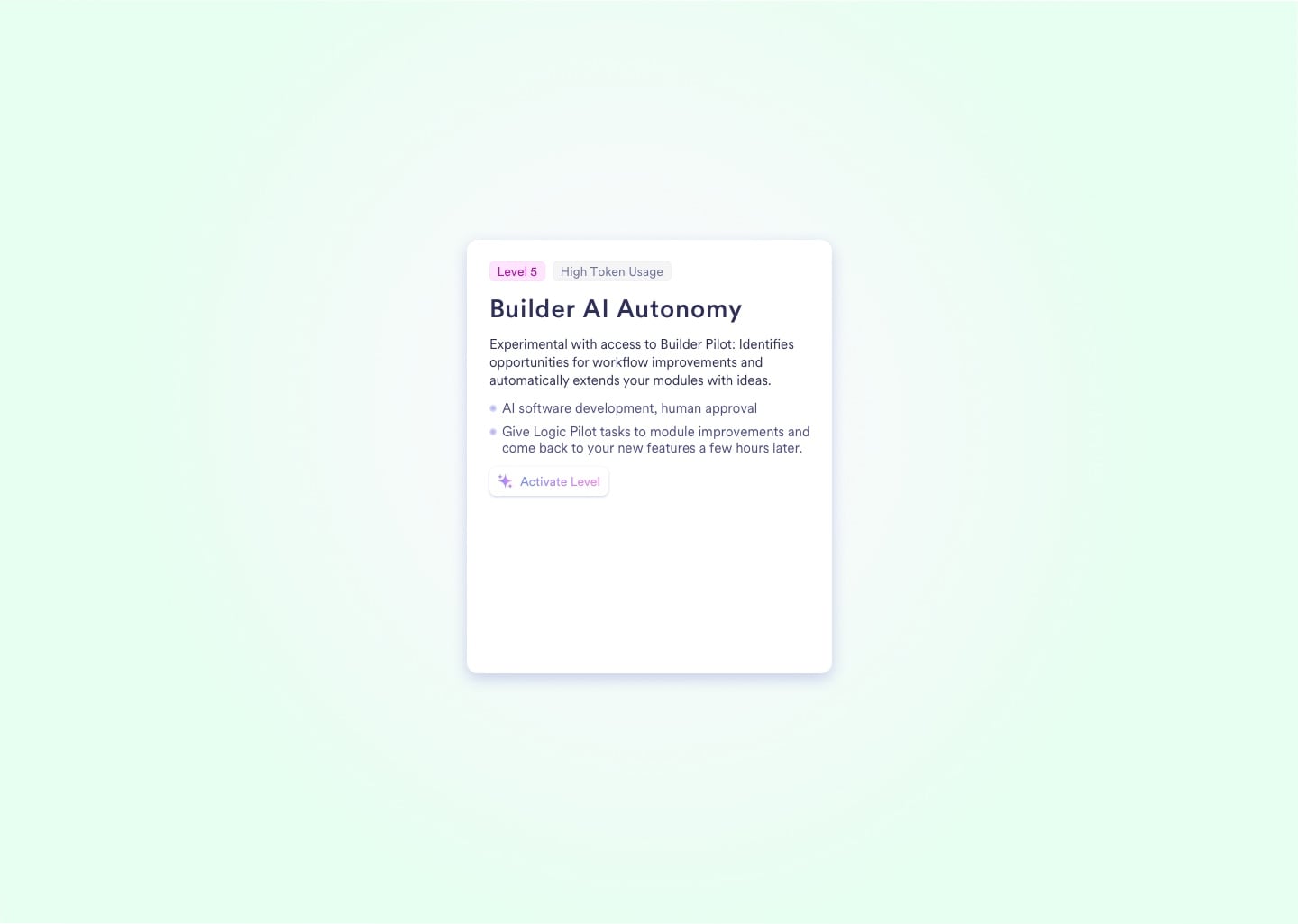
Level 5 - Builder AI Autonomy

Experimental and Super Admin-gated. The Builder Pilot identifies workflow bottlenecks, autonomously codes new ERP modules to solve them, and submits the architectural changes for your approval before a single line goes live.

Upload media for "Level 1 - Conversational Expert"

Autonomy Levels

5 Defined Execution Tiers - IT Sets the Ceiling Per Role

Every operation in your plant carries different risk. A read-only query and a $200,000 supplier PO should never share the same permission tier. IT administrators assign each user role a hard autonomy ceiling - agents cannot exceed it.

1

Level 1 - Conversational Expert

Strictly read-only and assistive. Specialized agents answer workspace-specific questions instantly, auto-complete dense forms, and guide employees through complex workflows. No records are written without direct user action.

2

Level 2 - Proactive Analysis

The AI continuously runs background analysis on active Work Orders, BOMs, and Quotes. It surfaces real-time optimization warnings - flagging scrap risks, over-booked Work Centers, and BOM inefficiencies - before you hit the factory floor.

3

Level 3 - Human-in-the-Loop Execution

The AI executes complex tasks - drafting supplier POs, re-routing WIP, assigning NCRs - but every action is placed in a Pending state. Nothing commits to the database until your explicit Approve click.

4

Level 4 - Workspace AI Autonomy

Delegate a list of repeatable tasks and walk away. The agent autonomously generates RFQs, issues quotes, and nourishes CRM leads in the background - delivering a full progress report by text or email when the work is done.

5

Level 5 - Builder AI Autonomy

Experimental and Super Admin-gated. The Builder Pilot identifies workflow bottlenecks, autonomously codes new ERP modules to solve them, and submits the architectural changes for your approval before a single line goes live.

Upload media for "Level 1 - Conversational Expert"
Agentic Impact

Execution Gains That Replace Entire Workflow Steps

Naologic agents handle the repetitive, data-intensive tasks that consume your highest-value operational time. These benchmarks reflect what manufacturers report after enabling Level 3 and Level 4 autonomy across procurement and production workflows.

80%
fewer manual touchpoints per purchase order when an agent drafts, routes, and tracks the approval - your Purchasing Manager clicks once
5min
for a Level 3 agent to recalculate a production schedule after a machine breakdown - versus hours of manual replanning by a scheduling team
5
distinct autonomy levels - from a read-only conversational assistant at Level 1 to a self-improving Builder Pilot at Level 5 that proposes its own software modules
100%
of all Level 4 agent actions automatically logged in the global audit trail - complete compliance visibility with no manual documentation required
Platform Comparison

What JobBOSS, GSS, and SAP Joule Cannot Do

Rigid RPA scripts fail the moment a shop floor exception occurs. Here is exactly what separates Naologic's Bounded Autonomy from the tools mid-market manufacturers currently use as substitutes.

Handles dynamic manufacturing exceptions
Hard financial approval limits
Cross-module execution (Sales + Manufacturing + Procurement)
Human-in-the-loop approval gates
Natural language task delegation
Full agent action audit trail
No developer required to deploy
Breaks when ERP data structure changes
Available without enterprise AI add-on license
Naologic Agents
RPA Tools (Zapier / Make)
Legacy ERPs (JobBOSS / GlobalShop)
Requires custom development
Not available
Click logs only
Requires Implementation Team
Yes - rewrites required
N/A - no agents exist
Doesn't exist

"We had a production line go down mid-shift. The Manufacturing Expert identified the scheduling conflict, drafted a revised work order routing around the broken press, and had it waiting for my approval within minutes. That would have taken my team two hours of phone calls to sort out manually."


VP of Manufacturing, Mid-Market Plastics Manufacturer

5 Autonomy Levels - Choose Your Execution Threshold

Deploy the level that matches your risk tolerance and operational maturity.

Your AI Workforce Is Ready - You Set the Guardrails

Book a demo and walk through your specific procurement and production workflows with our team. We will map the right autonomy level to every process you want to automate.

Governance Built Into Every Agent Role

Set hard spending caps, approval thresholds, and role-based permissions per agent. No agentic action commits a dollar without your configured rules permitting it first.

See governance model

API-Native Platform With Full Execution Access

Every Naologic module exposes clean APIs so agents have the execution layer they need. No locked data silos, no copy-paste middleware, no developer required.

Explore integrations