





Why Controllers Choose Naologic
Measurable Impact on Your Financial Close
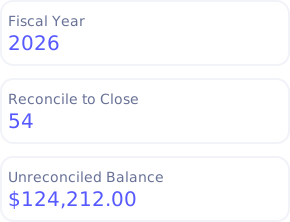
Legacy ERPs turn every month-end into a multi-week marathon of spreadsheet reconciliations, manual journal entries, and frantic searches for backdated postings. Naologic compresses the entire closing cycle by giving your finance team a single, integrated workspace with AI-assisted reconciliation, automated recurring entries, and strict period controls that eliminate the most time-consuming bottlenecks in your close.
80%
Reduction in time spent on month-end reconciliation with AI-powered transaction matching and dual-pane clearing.
2 days
Average time to close the books, down from 2-3 weeks with manual processes and disconnected tools.
0
Backdated transactions allowed into locked periods. Permanent lock-down means zero unauthorized historical edits.
100%
Audit trail coverage across every journal entry, reversal, and period close event with source document tracing.
Periods and Close
Your Financial Calendar, Your Rules
Manufacturers don't operate on rigid Gregorian calendars. Naologic gives your finance team total control over fiscal year boundaries, period sequencing, and closing procedures - without a single workaround or custom development request.
Custom Fiscal Periods
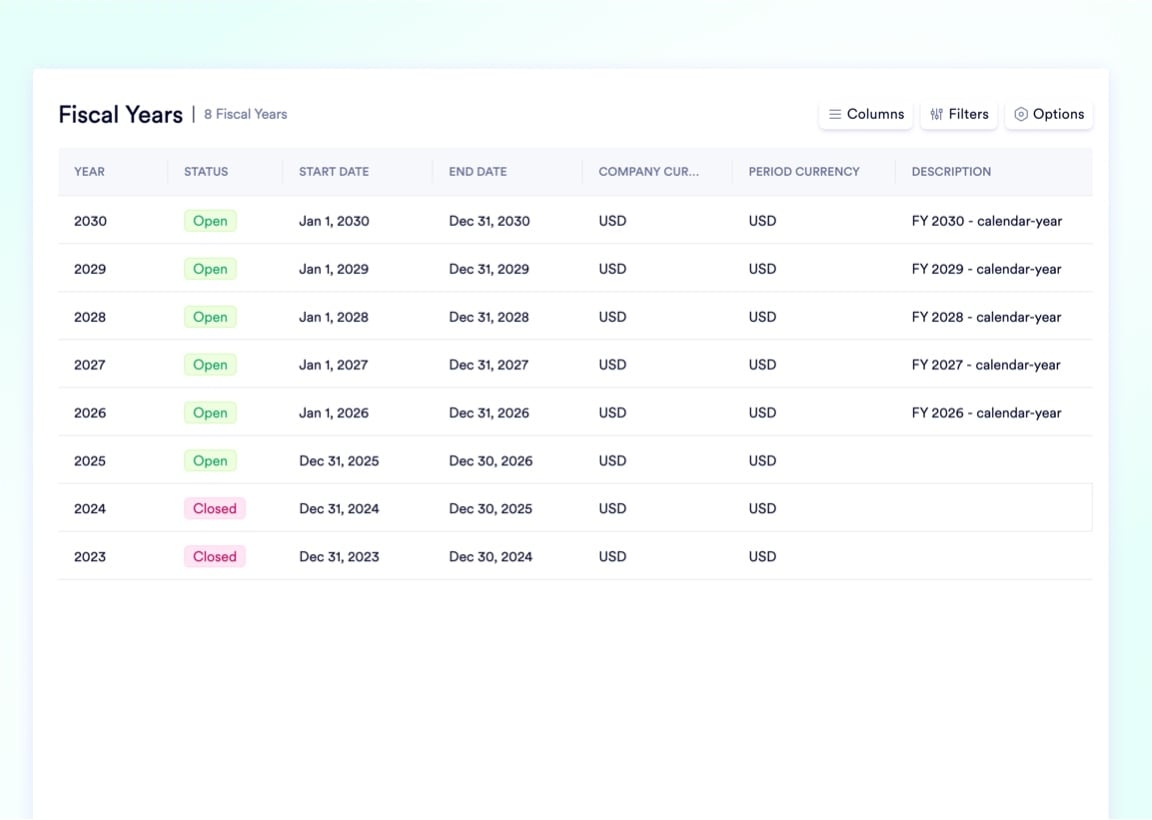
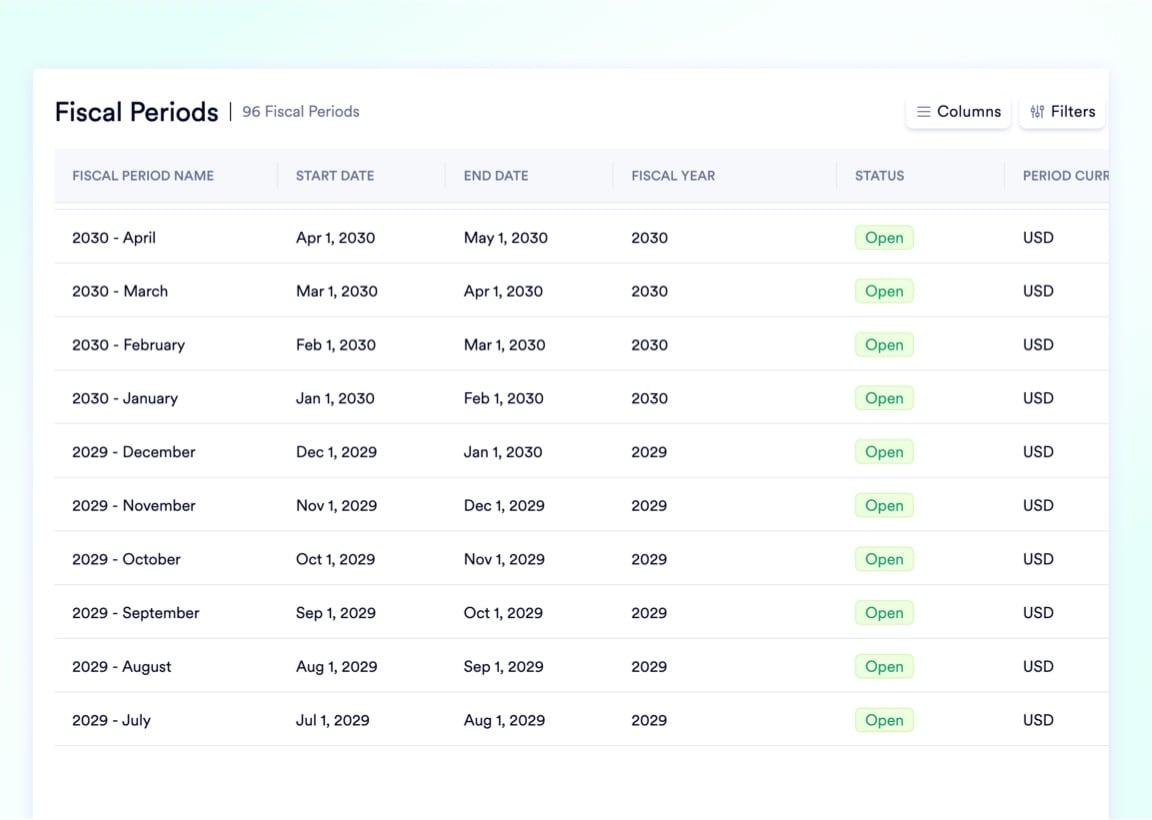
Build fiscal years and periods that match your exact operational rhythm. Support standard months, 4-4-5 calendars, or any custom structure with per-period currency assignments.
Offset Fiscal Year Start
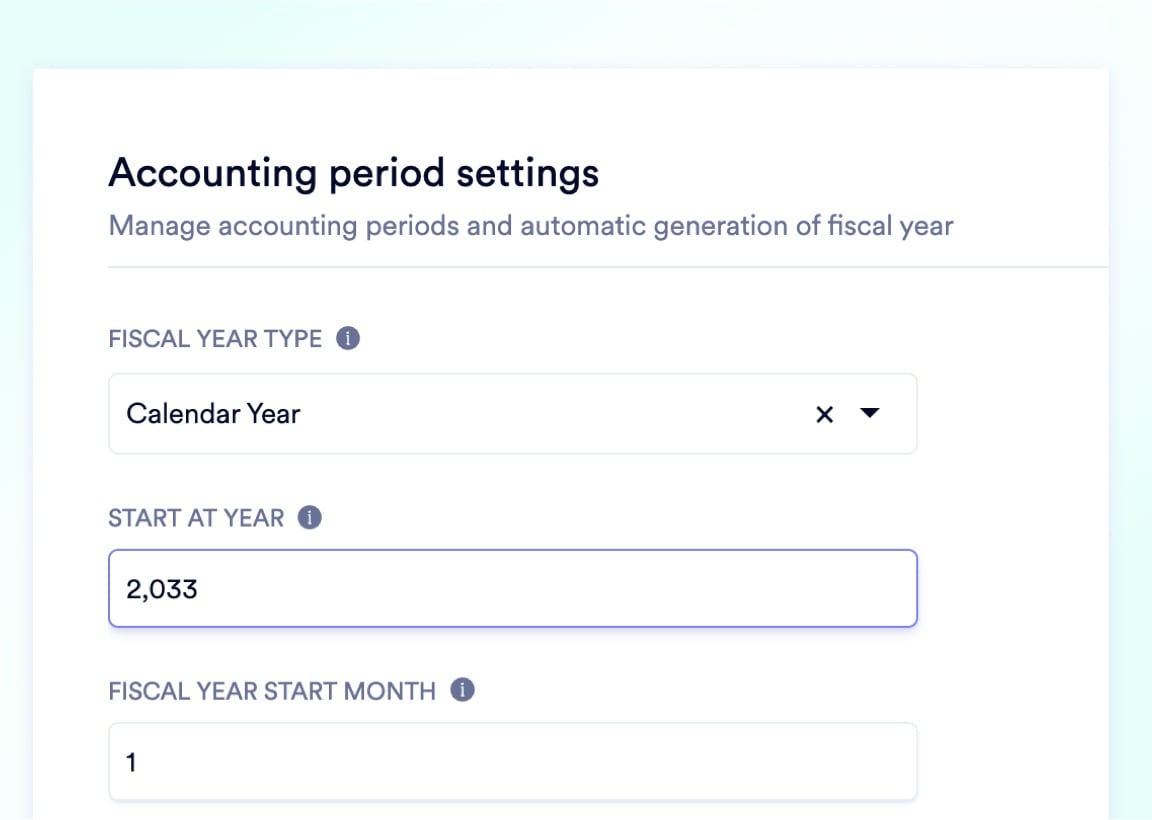
Start your fiscal year on any date. Align your P&L and Balance Sheet rollovers perfectly with your corporate tax strategy - July, October, or any month you need.
Logical Period Numbering
Your July start month labeled as "Period 1," not "Period 7." Custom sequencing keeps your internal financial modeling intuitive for every stakeholder.
One-Click Period Lock-Down
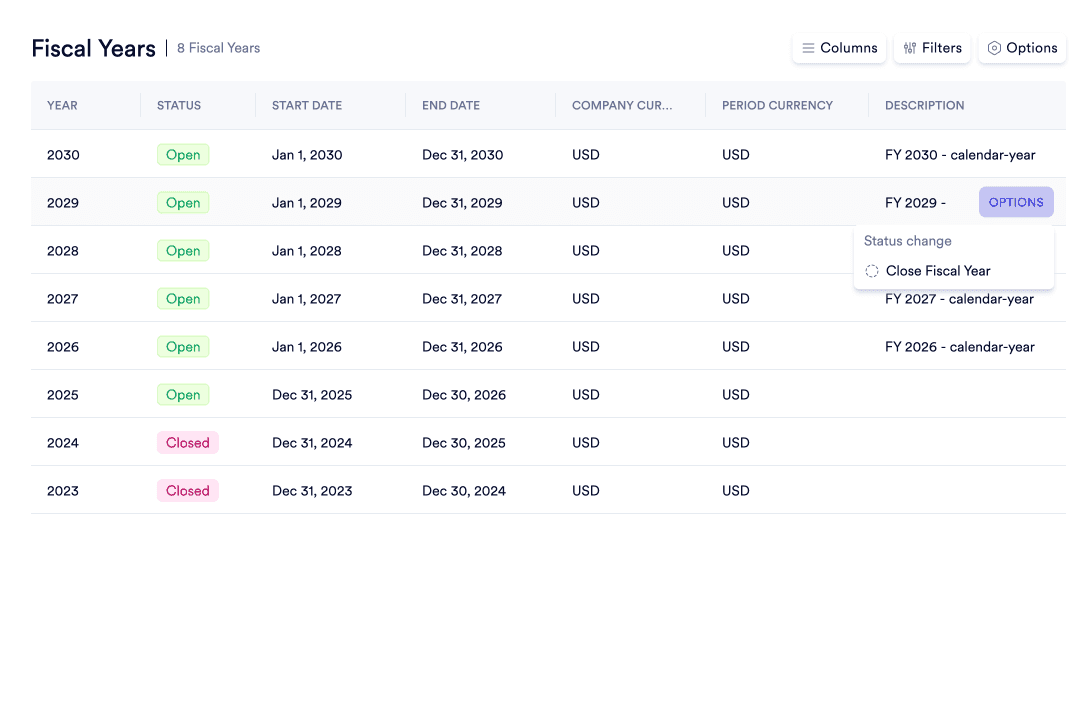
Permanently close any fiscal period with a single action. The system runs validation checks, then strictly rejects every future attempt to backdate into locked months.
Automate the Hardest Part of Closing
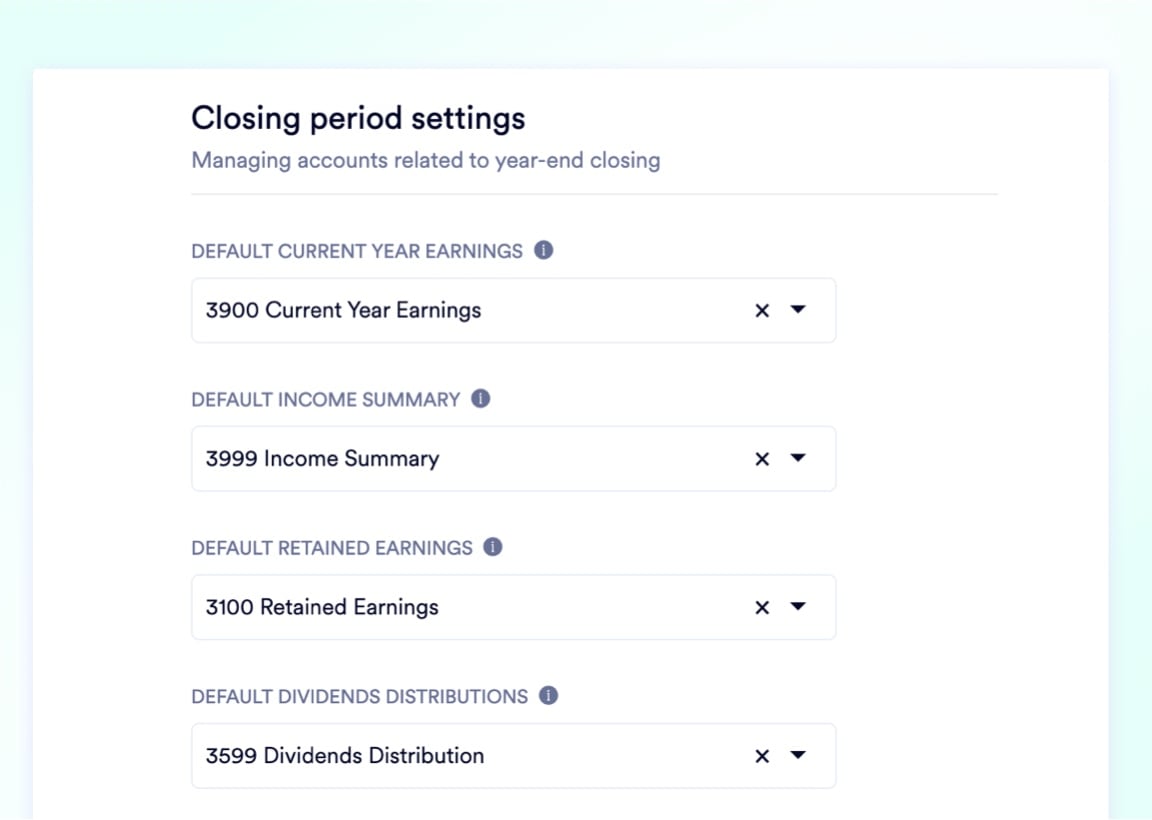
The most dreaded step in every year-end close is drafting the massive, complex journal entries required to sweep net income into retained earnings, zero out revenue and expense accounts, and roll balances into equity. A single transposition error in this process corrupts your entire financial foundation. Naologic eliminates this risk entirely. Define your default Current Year Earnings, Income Summary, Retained Earnings, and Dividend Distribution GL accounts once during setup. When you trigger the year-end close, the system automatically calculates every line, generates the complete journal entry, and posts the rollover with zero manual intervention. Your CPAs review the output, not the math.
Built-In Safeguards at Every Step
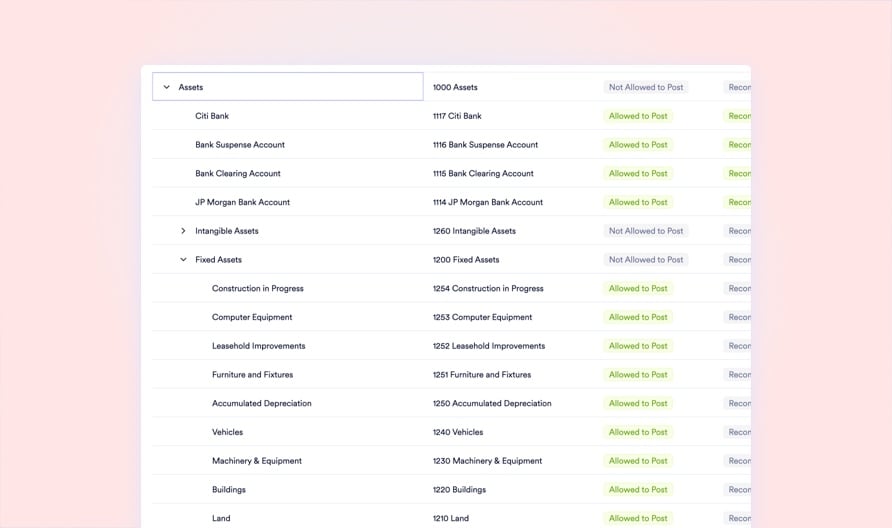
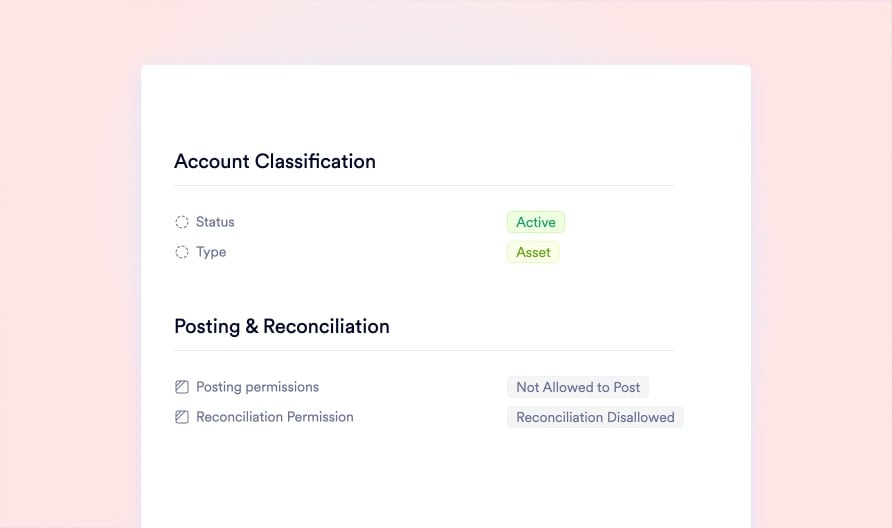
Closing the books isn't just about speed - it's about absolute integrity. Naologic enforces strict controls at every stage of the closing cycle. From who can post to which accounts, to which GL accounts participate in reconciliation, to the permanent lock that seals your historical data. Every safeguard exists so your auditors find zero surprises.
Custom Posting Permissions
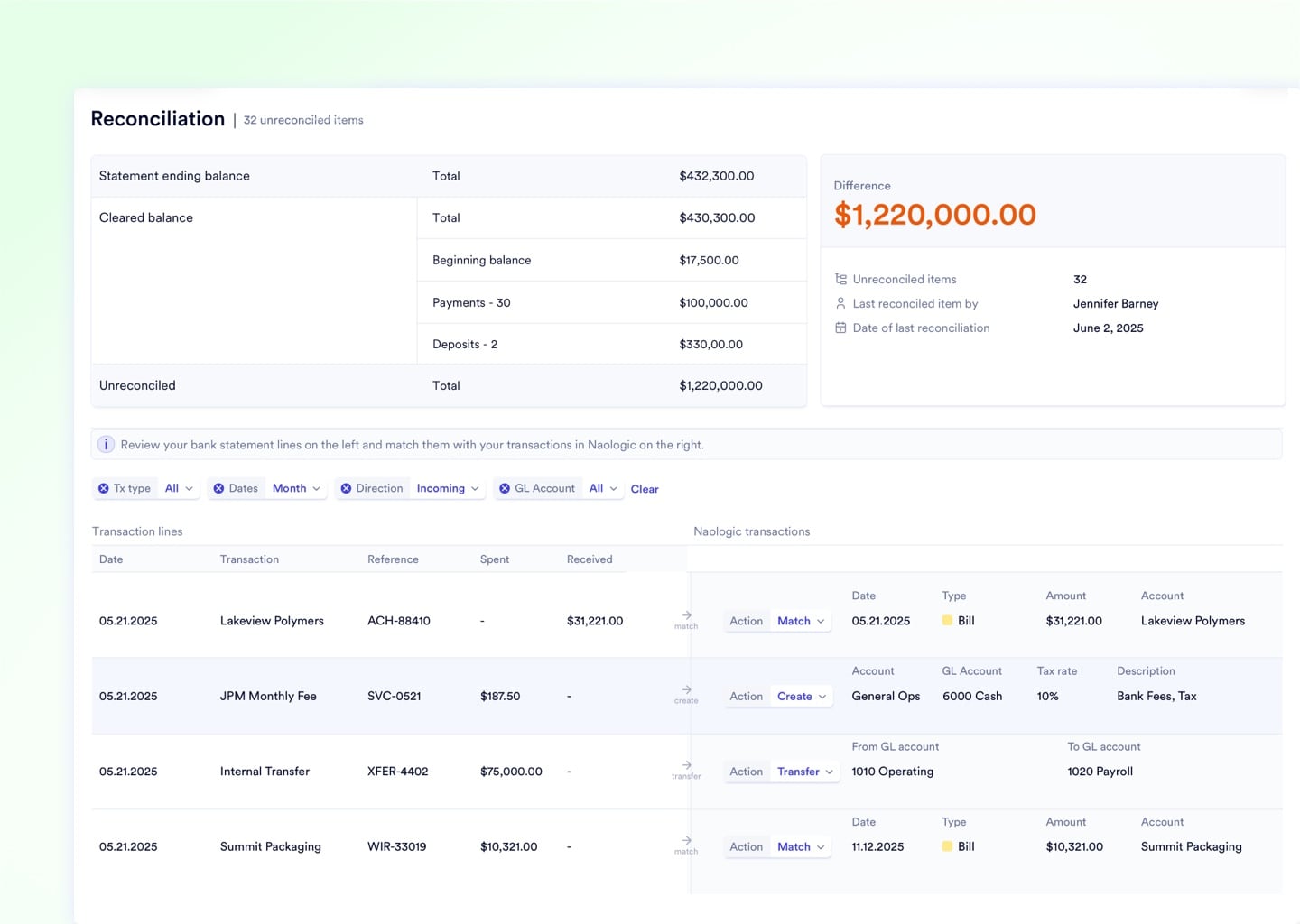
Reconciliation Permissions
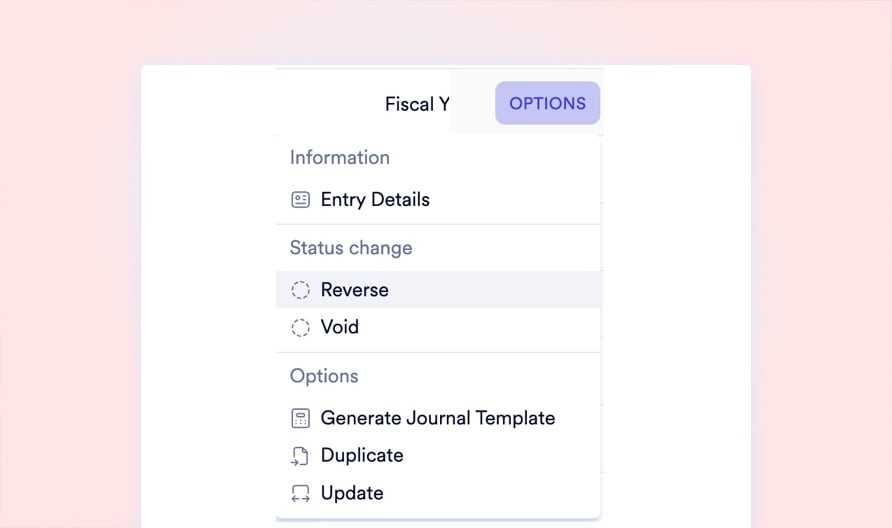
Immutable Reversal Audit Trail
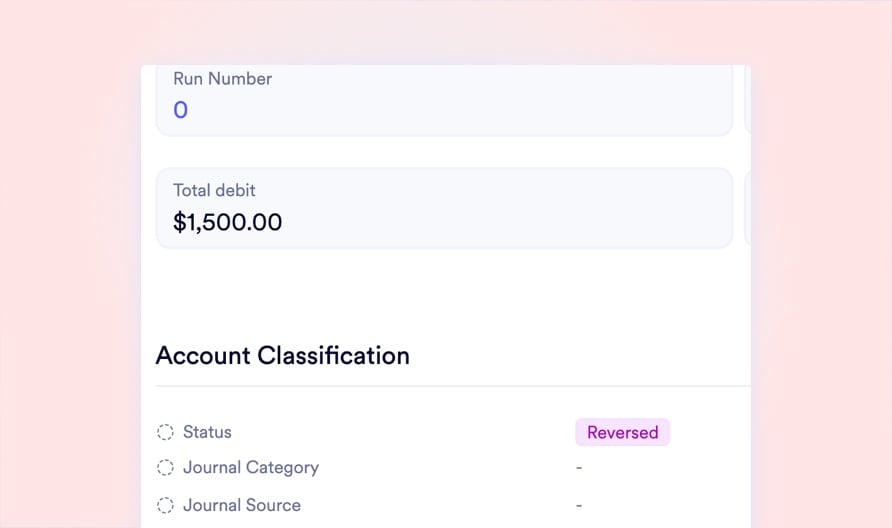
Safe Entry Voiding
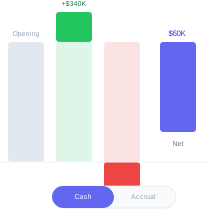
Full Capability Set
Every Tool Your Close Requires
From the Chart of Accounts architecture to automated recurring journal entries, Naologic gives your finance team a complete, integrated closing toolkit. Every feature below is purpose-built for manufacturers who need strict financial controls without sacrificing operational flexibility.
Closing Workflow
Four Steps to a Flawless Close
Configure Your Calendar
Define your fiscal year start date, build custom periods, and set your period numbering. Naologic adapts to your operational rhythm - not the other way around. Set it once and your reporting engine aligns permanently.
Reconcile and Validate
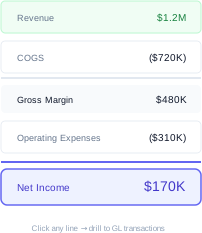
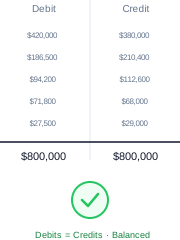
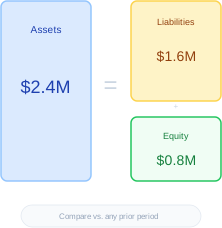
Clear bank transactions against invoices and bills using AI-assisted matching. Run your Trial Balance to verify debit-credit parity. Review Income Statement and Balance Sheet for anomalies before proceeding.
Close and Lock the Period
Trigger the one-click close. The system validates for un-reconciled items and draft entries, then permanently seals the period. No user can backdate into locked months under any circumstance.
Automate the Year-End Sweep
When your fiscal year ends, the closing wizard uses your pre-configured GL mappings to auto-generate the retained earnings rollover entries. Review the output, approve, and lock the year permanently.
Go Deeper on Financial Close Best Practices
The State of the Manufacturing Month-End Close
Closing cycle benchmarks, the top five bottlenecks, and the real cost of every extra day your books stay open.
Eliminating Backdating Risk
Why accidental backdated postings are a top audit finding and how systemic period lock-down eliminates the risk permanently.
Configuring Non-Standard Fiscal Calendars in Your ERP
A step-by-step walkthrough for setting up 4-4-5 calendars, offset fiscal years, custom period numbering, and automated year-end sweep entries.
