
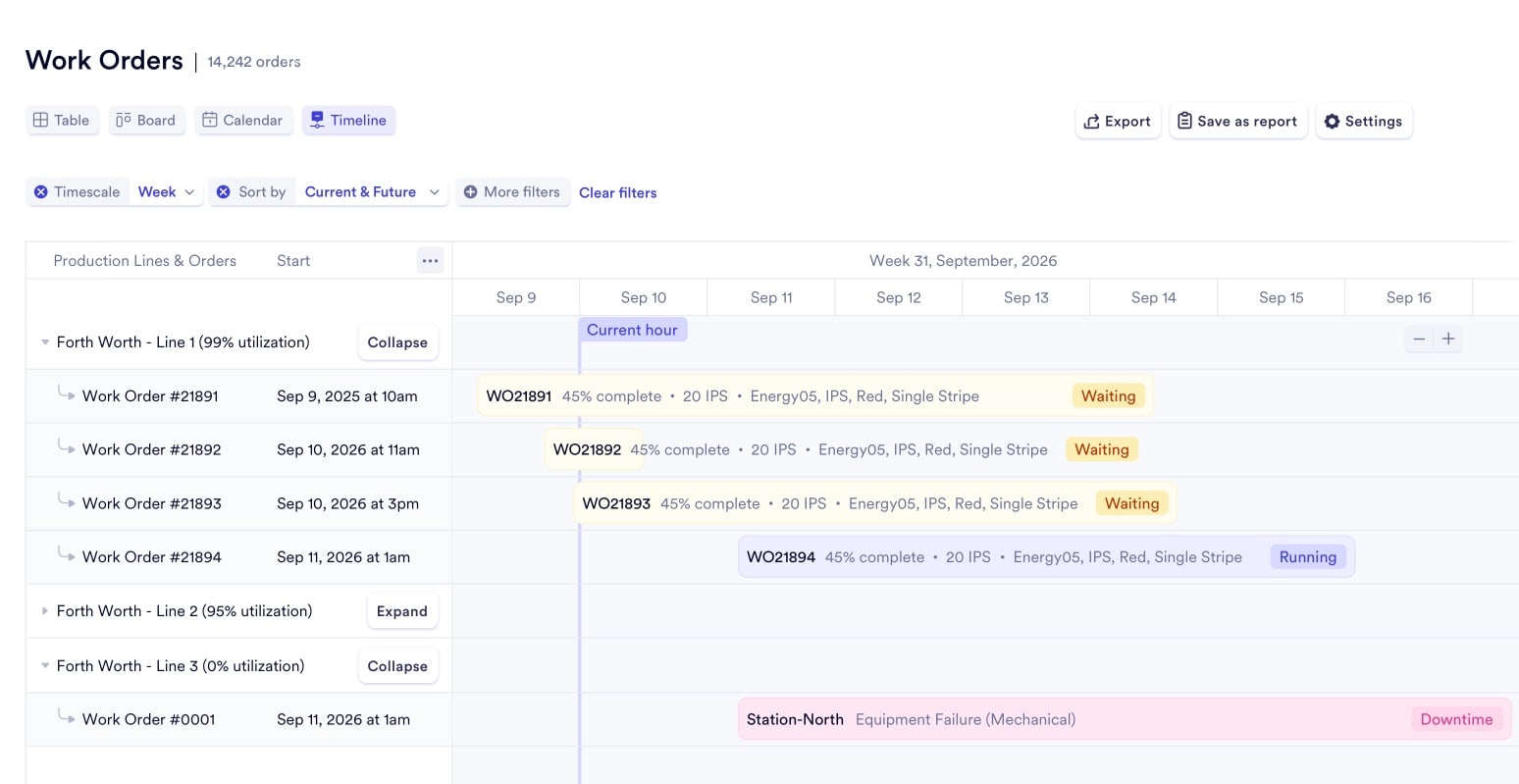




80% Fewer Manual Schedule Changes. 10,000 Orders Your Browser Won't Drop.
Production planners at mid-sized manufacturers juggle hundreds of active orders, dozens of machines, and constant disruptions. Naologic processes the math your spreadsheets refuse to handle.
Why daily plans collapse
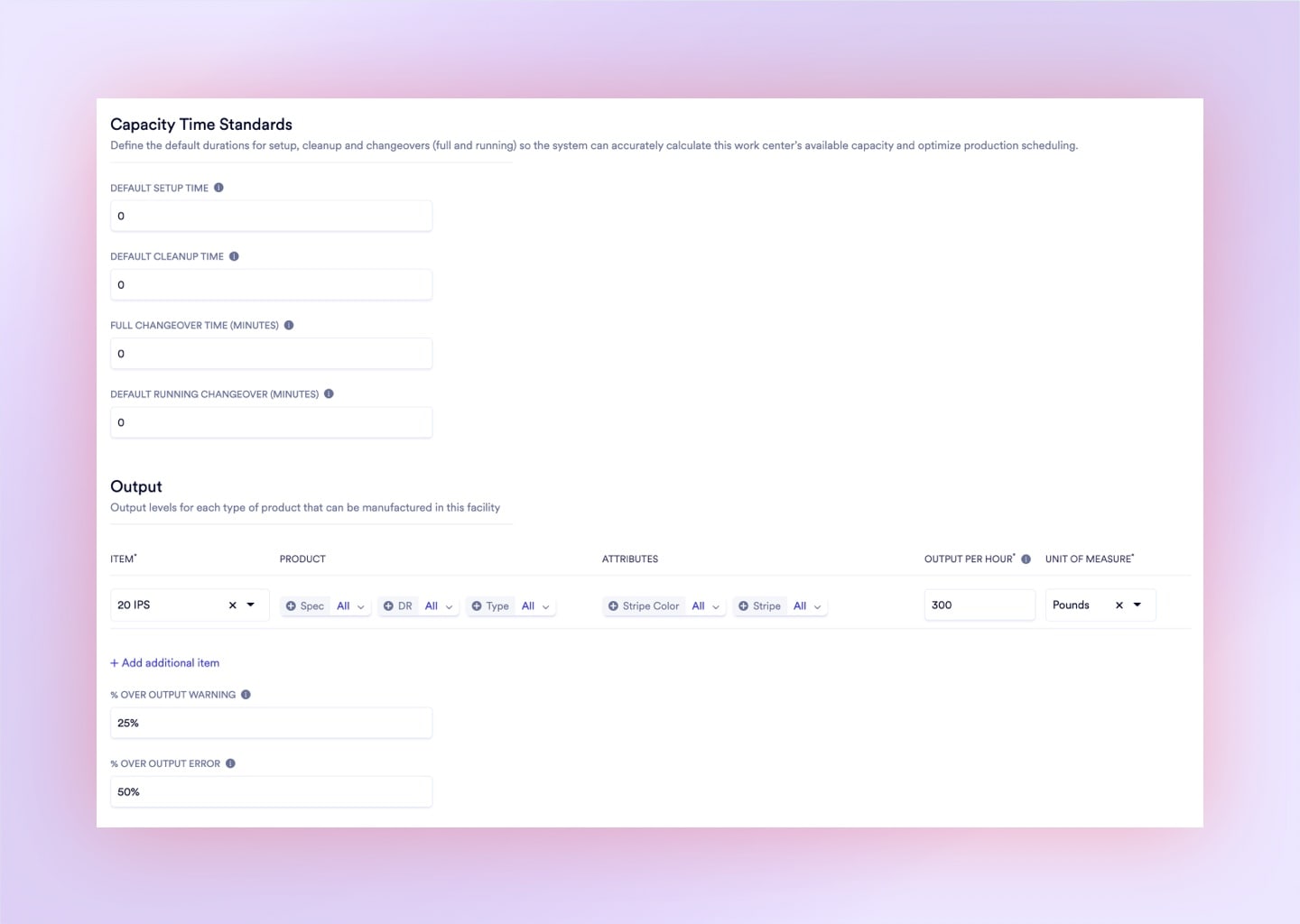
Setup, Changeovers, and Downtime Your ERP Ignores
Your current scheduler calculates pure run time. It has no model for the hidden hours that destroy your plan before the day has even started.
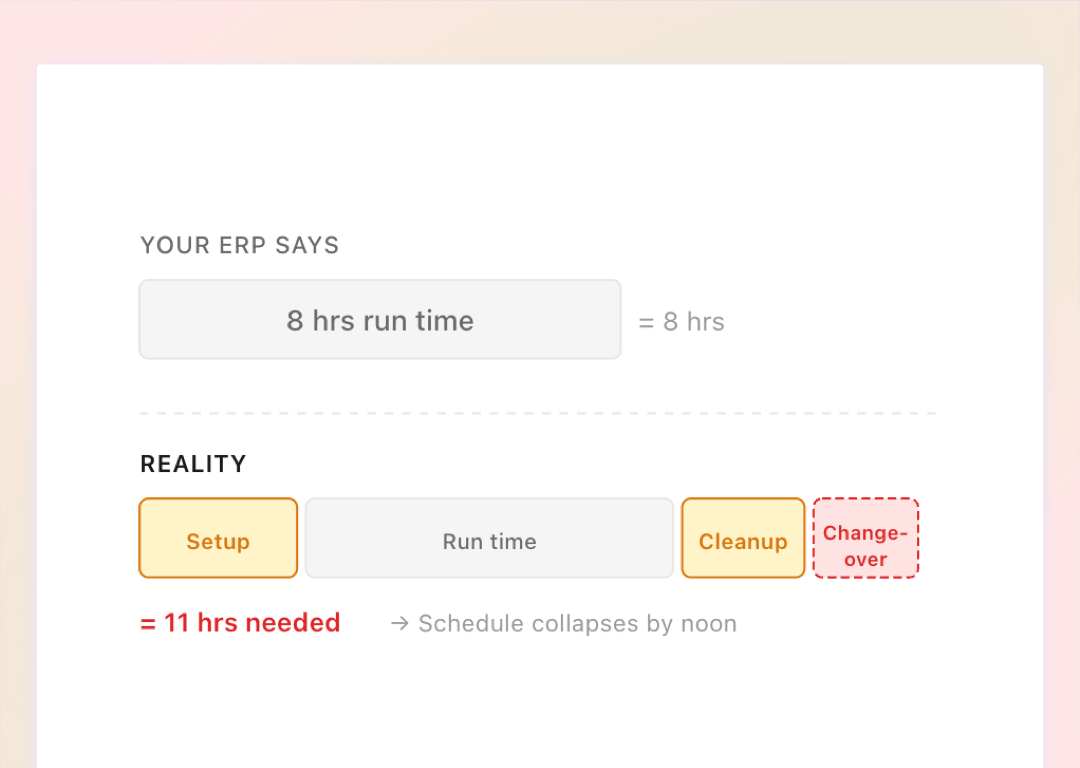
Fictional Run-Time Math
Legacy ERPs skip setup durations, cleanup windows, and tooling changeovers. Your 8-hour plan needs 11 hours of real machine capacity.
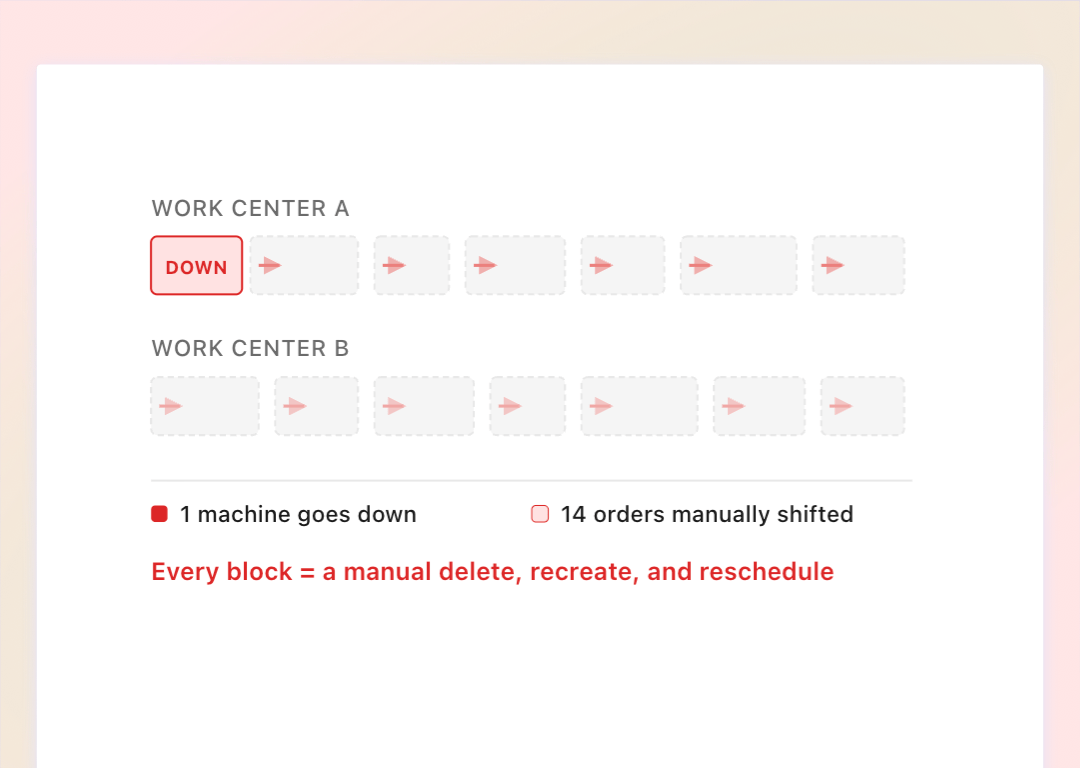
One Breakdown, 20 Manual Fixes
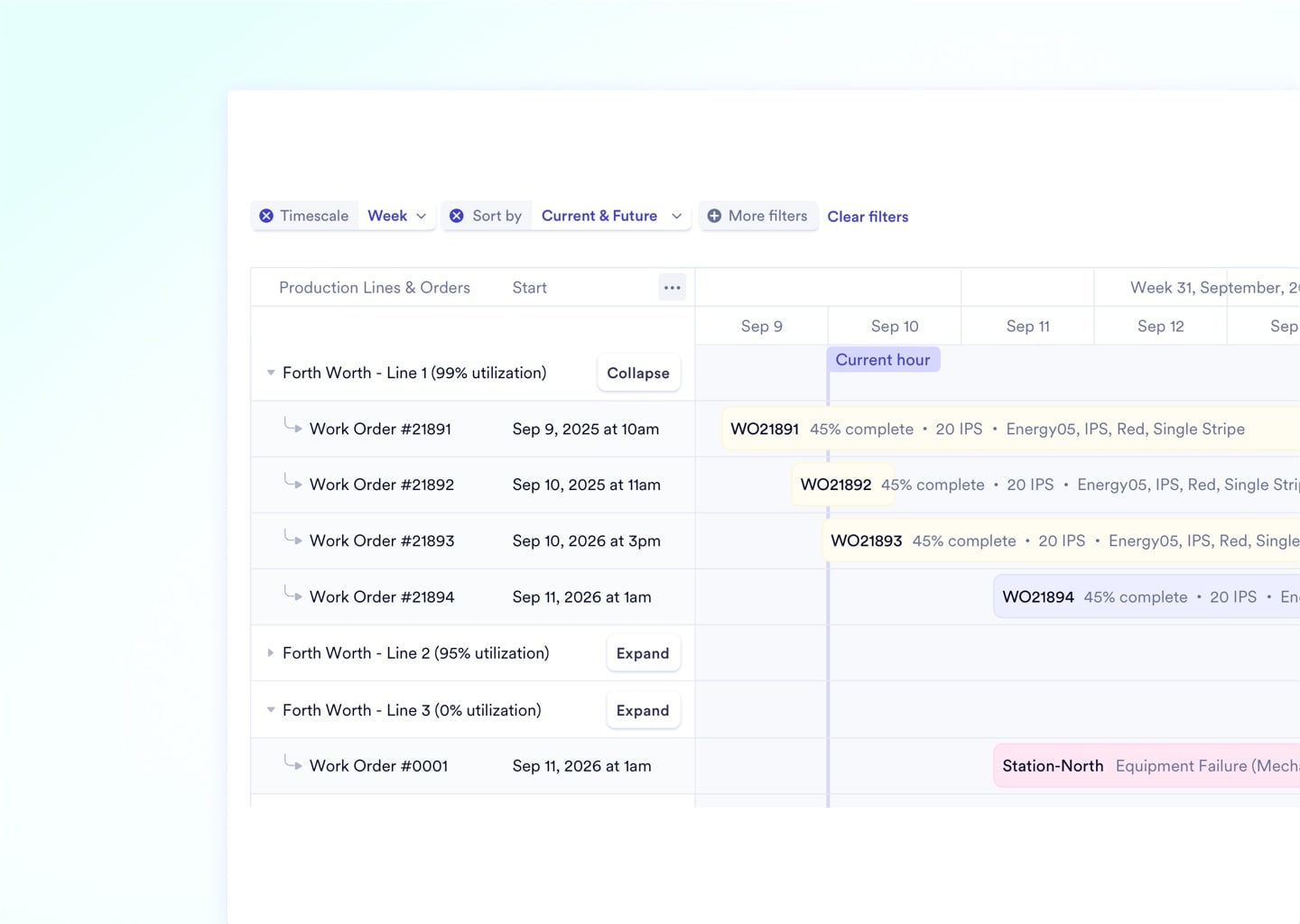
When a machine goes down, planners manually delete, recreate, and shift dozens of dependent orders. One disruption cascades into a full day of rework.
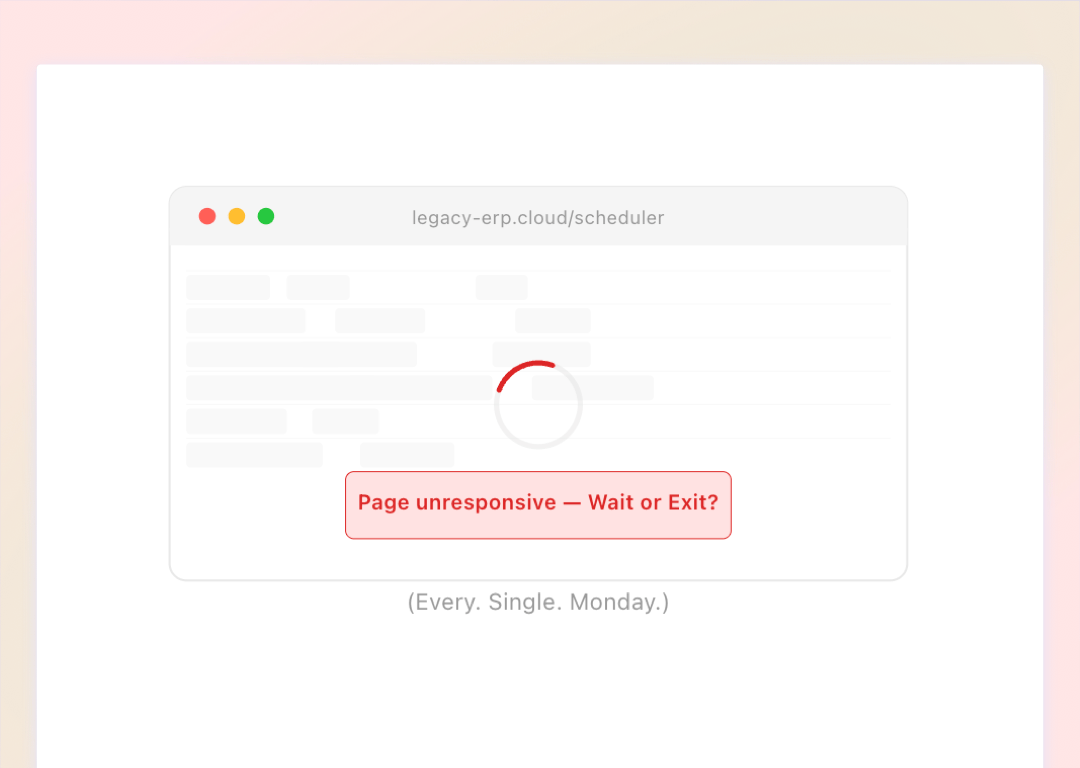
Browser Freeze at 100 Orders
Standard web-based Gantt charts crash under enterprise data loads. Planners abandon the tool and revert to whiteboards within weeks.
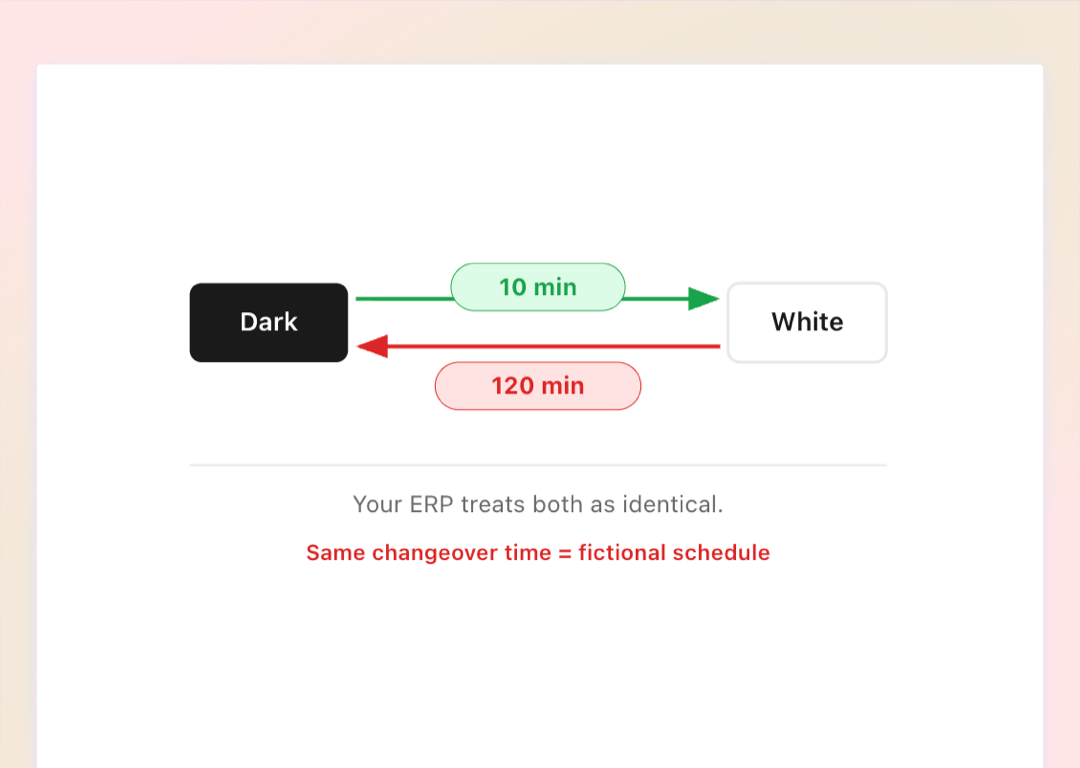
10 Minutes vs. 2 Hours, Same Machine
Switching from Dark to White resin takes 2 hours of deep cleaning. White to Dark takes 10 minutes. Basic ERPs treat both identically.
Actual Output vs. Engineered Standard, Scored Automatically
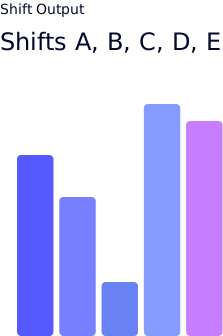
Per-Shift Efficiency Scoring
Cross-reference operator output against engineered baselines per product per machine. Know instantly if a shift runs at 85% or 110%.
- Actual vs. standard output per hour
- Efficiency % calculated by shift
- SKU-specific machine velocity baselines
- Zero manual math required
Performance Drop Alerts
When a machine drops below target speed or over-consumes raw materials, the system pushes an alert to the floor manager's phone.
- Configurable tolerance thresholds per machine
- SMS, email, and in-app routing
- Sustained variance triggers, not one-off spikes
- Alerts route to the right manager automatically
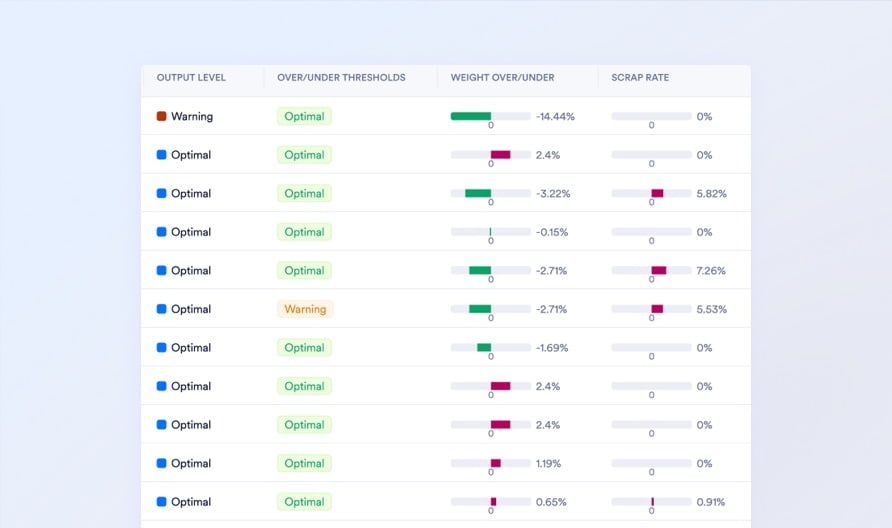
Color-Coded Threshold Labels
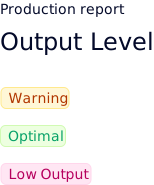
Every production report is auto-tagged green, grey, or red based on variance from standard. Scroll 500 reports and spot every underperformer instantly.
- Green: over-performing
- Grey: within standard
- Red: under-performing
- Replaces Excel VLOOKUP audits
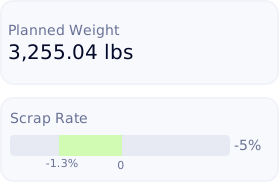
Scrap Root Cause Isolation
ross-reference waste data by operator, product line, or individual machine over time. Pinpoint the exact source of your material loss.
- Historical scrap trend dashboards
- Machine-vs-machine waste comparison
- Per-product defect rate isolation
- Turn waste data into margin recovery
Planned vs. Actual Cost Tracked at Every Routing Step
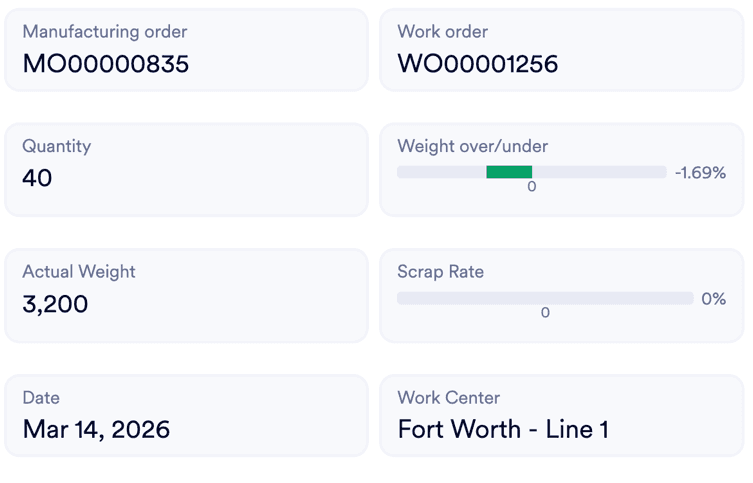
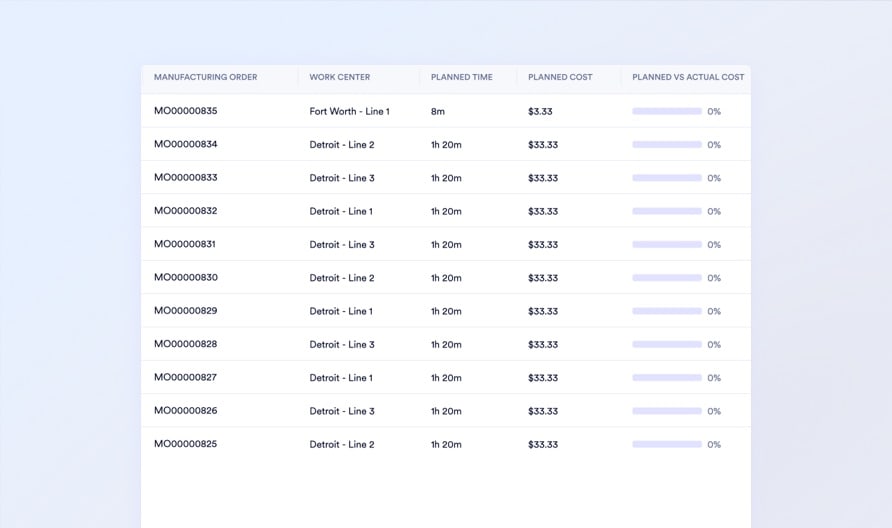
Manufacturing orders break down into individual work orders, rework loops, and material verification tasks. Naologic tracks independent cost, time, and approval chains at every step so you isolate exactly where margin disappears.
Work Order Cost Variance
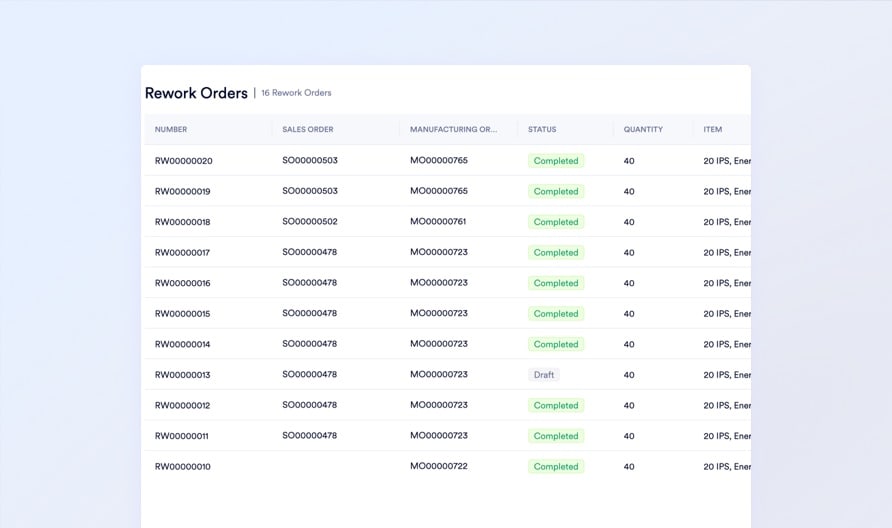
Rework COPQ Tracking
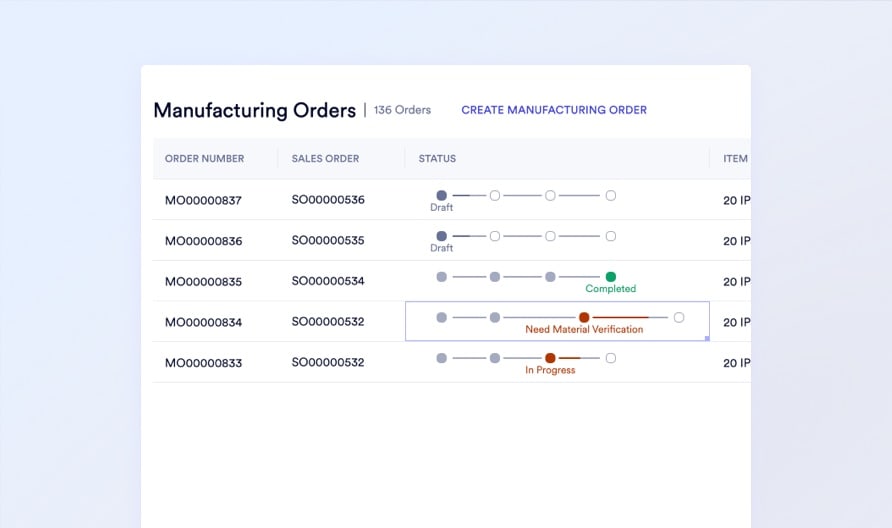
Pre-Run Cycle Count Triggers
Real-Time Performance Alerts

Production report calendar
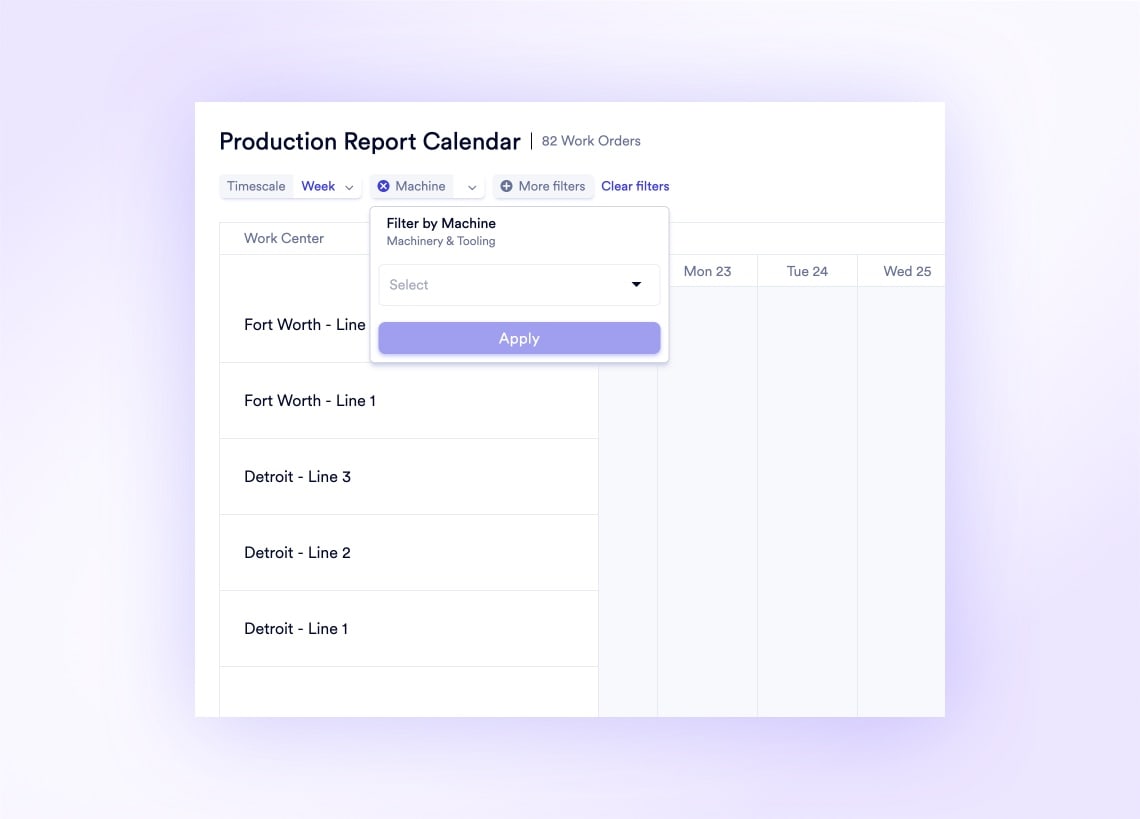
See What Every Machine Produced on Any Given Day
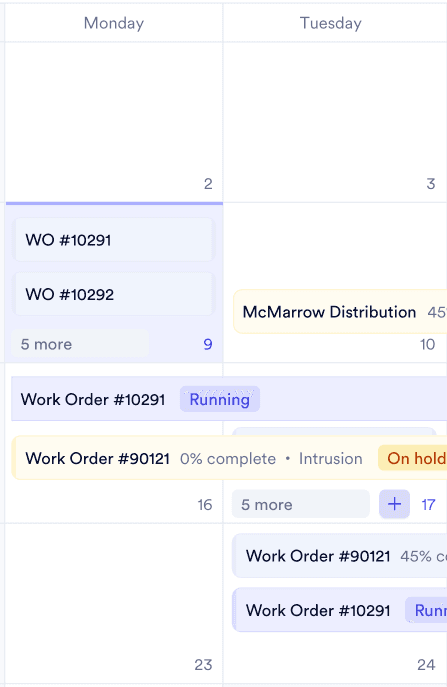
The Production Report Calendar plots finalized output data by manufacturing date, work center, and facility on an interactive visual timeline. Filter by facility to audit specific zones instead of scrolling through 200 flat spreadsheet rows.
Isolate Margin Leaks at Every Production Step
Step-Level Cost Tracking Break massive jobs into machine-level Work Orders. Track planned vs. actual cost independently for cutting, welding, and painting to pinpoint exactly where you bleed margin.
Explore Work Orders ›Rework Cost Accountability When parts fail QA, issue dedicated Rework Orders that route defects back through the factory. Capture the exact Cost of Poor Quality hidden from your CFO.
Explore Rework Orders ›Raw Material Spot-Checks Trigger targeted cycle counts from the operations dashboard before high-priority runs. Force the warehouse to physically verify critical raw materials are on the shelf.
Explore Cycle Counts ›Why teams switch
Naologic vs. Whiteboards, Spreadsheets, and Legacy ERPs
Your current scheduling setup - whether it is a dry-erase board, a fragile Excel macro, or SAP Business One, NetSuite, or Odoo - was not built for the speed, scale, and changeover complexity of a modern factory floor.